

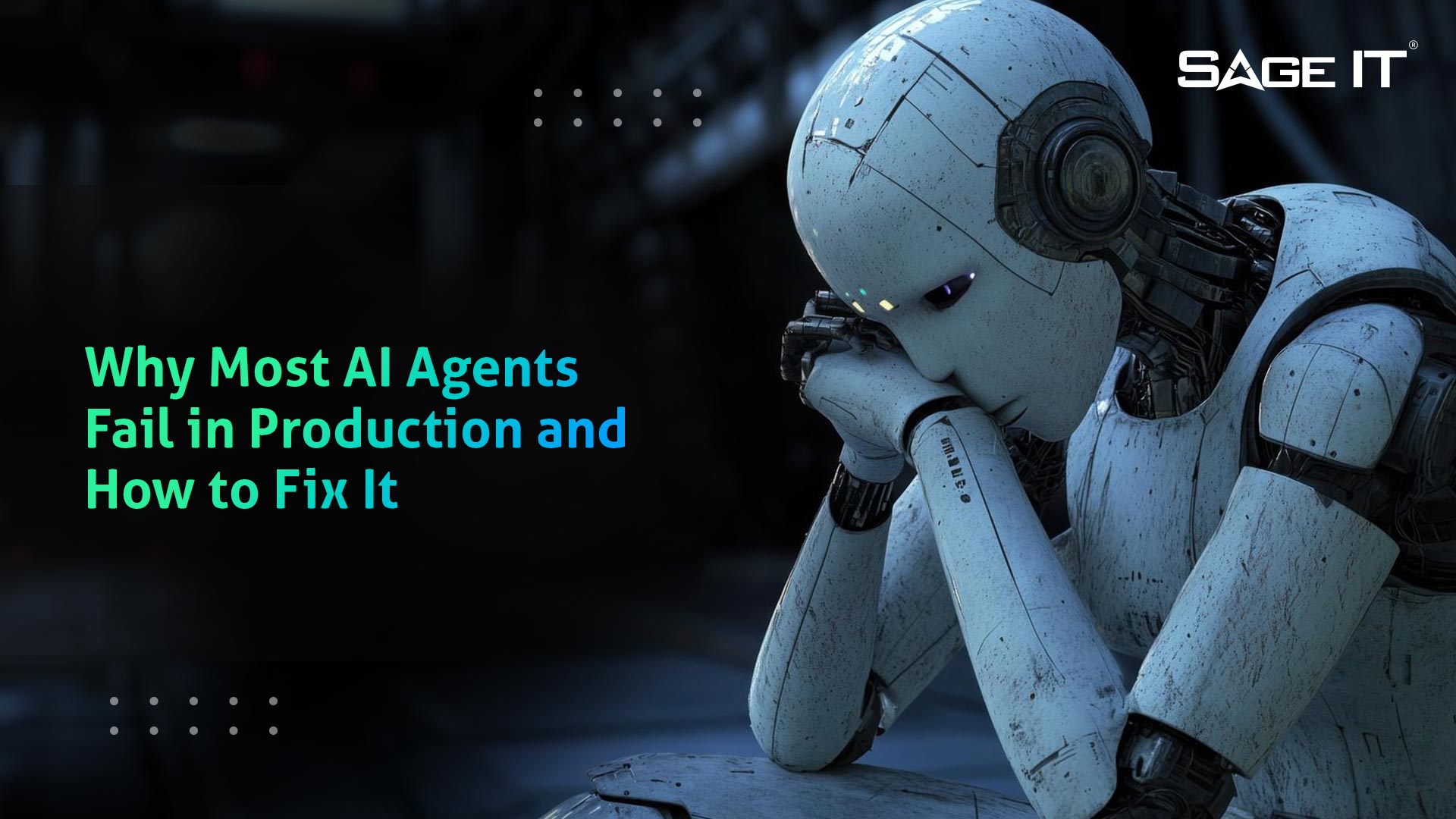
Why AI Agents Look Strong in Demos but Break in Production
If you’ve ever seen an AI agent perform smoothly in a demo and then struggle once it enters a live workflow, you’ve witnessed the production gap that often catches many teams off guard.
In enterprise environments, issues like incomplete inputs, shifting context, unstable system responses, edge cases, and high execution volume arise quickly once the agent moves beyond controlled testing.
The demo looks perfect, the tool calls seem stable, and the reasoning appears strong. Then, as the workflow continues, steps start missing, decisions become inconsistent, or tasks fail to complete reliably.
This is where many organizations like yours get stuck. The issue usually isn’t just the model’s potential. In production, reliability becomes the key factor that separates an impressive demo from an AI system that can deliver consistent business value without generating avoidable rework, operational risks, or delayed ROI.
Why AI Agents Fail in Production: 5 Root Causes Teams Keep Missing
1. Compounding Errors Break Multi-Step Workflows
Small mistakes in one step can snowball across a multi-step workflow. In demos, things look stable because the agent only has to complete a limited sequence under controlled conditions.
However, once in production, the agent has to handle multiple steps that build upon each other. A missed handoff or incorrect parameter can affect everything that follows. It’s crucial to ensure that every step works seamlessly and no errors accumulate in subsequent actions.
2. Blaming the Model When the Real Problem Is Context and State
In longer workflows, the agent may perform well initially, but start drifting or making mistakes as the interaction continues. This isn’t always a model issue, it’s often a problem with context and state management.
You may notice that the agent loses track of relevant context, which leads to inconsistent decision-making. Without proper management of state, memory, and context, your agent’s performance will degrade over time.
3. Giving Agents Too Much Scope Without Clear Boundaries
When agents are given too much autonomy before their inputs, outputs, and behaviors are tightly controlled, they often fail in production.
In your enterprise workflows, especially when working across legacy systems, inconsistent data, or unstructured sources like emails and PDFs, this broad scope can create unreliable execution.
The agent may misread inputs, pass invalid arguments, or choose the wrong tool, making it hard to trust the system. It’s important to set clear boundaries for the agent’s scope and behavior before scaling.
4. Missing Production Control Layers from the Start
Moving an agent into production without observability, validation, guardrails, or fallback paths creates hidden risks. Failures may not be immediately visible but can escalate quickly.
Without the right monitoring and review paths in place, mistakes can slip through unnoticed until they affect customers or compliance. Introducing traces, validation rules, and human review early on ensures that you can catch failures before they have a significant impact on your operations.
5. Rollout Architecture That Doesn’t Align With Real Business Workflows
A rollout architecture that isn’t built around your actual business processes can create problems before you even scale the agent. If the data layer isn’t stable, or if the agent isn’t aligned with your business logic, it will struggle once it moves to production.
Inadequate orchestration and disconnected systems can lead to failure even before the agent is fully deployed. To avoid this, ensure that your rollout is tightly aligned with how your business operates and that the agent is integrated properly with all relevant systems.
How to Overcome These Production Failures
1. Start with a Narrow, Measurable Use Case
Begin with a defined, manageable scope where failure has limited consequences. This approach makes it easier to measure progress and identify issues early, keeping risk contained and ensuring that the system can be stabilized before scaling up.
2. Design for Reliability Before Adding Capability
Stability is key. Focus on ensuring that your agent’s inputs, outputs, and state management are solid before expanding its capabilities. If you try to scale too quickly, you risk creating an unstable system that’s difficult to control. By stabilizing the workflow first, you create a foundation that’s easier to validate and improve.
3. Add Observability, Escalation, and Human Review Early
Ensure that your agent’s decisions, tool calls, inputs, and outputs are traceable from the start. This observability lets you catch failures early before they escalate. Also, incorporate human review paths for high-risk actions or uncertain workflows, ensuring that mistakes are caught before they impact customers or compliance.
4. Scale with Business-Aware Deployment Discipline
Scale your solution slowly and carefully, ensuring that the current scope performs reliably before expanding. Adjust the agent based on live operational feedback, and align deployment with real business processes to ensure that the system remains dependable as it grows.
Why Experienced Organizations Approach Production AI Differently
In production, the gap isn’t just about model quality, it’s about decisions made around scope, control, and rollout discipline. If the implementation starts broad and relies too much on demos, then prompt changes are often used to patch weaknesses in architecture or state handling.
This approach can compound the issues. In contrast, experienced organizations focus on narrowing scope, designing controls early, and introducing observability and escalation paths from the outset. By aligning AI with your business workflows, integrating systems properly, and ensuring reliability from day one, you’ll avoid the common pitfalls that derail many AI projects.
What to Look for in an AI Solution Provider
When production issues start to repeat, it becomes clear that selecting the right AI solution provider is crucial. The right provider understands where potential breakdowns may occur and designs systems that proactively prevent these failures.
With the Archestra Multi-Agent Orchestration Platform, we specialize in production-ready AI solutions tailored to your unique workflows. Our approach aligns with your integration architecture, state management, and operational needs, ensuring that AI consistently delivers reliable, scalable results and long-term business value.
Reliable AI Creates Production Value
To move AI beyond experimentation and into repeatable business value, the key is designing for reliability from the start. By defining narrow use cases, designing controls early, and ensuring observability and review processes are in place, you create a foundation that can scale with your business needs. With the right approach, AI systems can deliver dependable, measurable outcomes that drive long-term business value.