

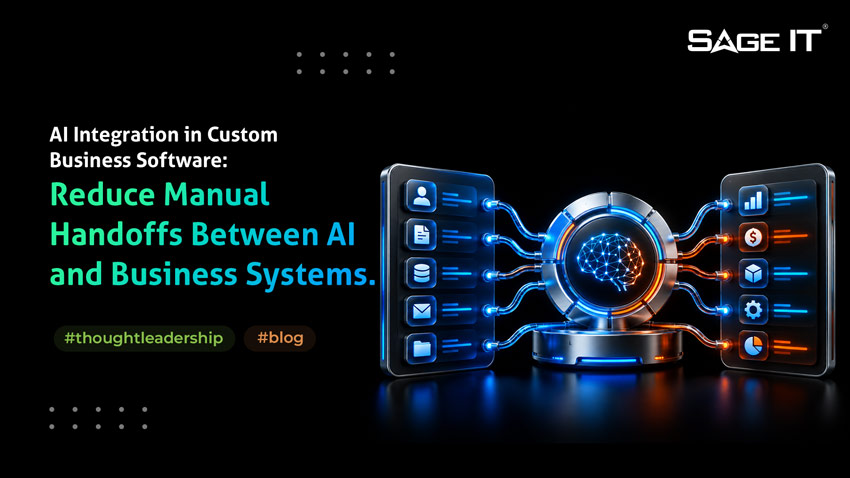
How AI Integration in Custom Business Software Moves Work Forward Faster
The real value of AI integration appears when your software can understand what is happening and move the work forward faster.
Take a customer service workflow. A case comes in. AI checks the customer history, identifies the request, reviews the SLA, helps set the priority, routes the case to the right queue, and gives the support team the next action inside the same workflow. Your team spends less time opening different systems, gathering information, and manually moving the case from one step to another.
That shift from using AI alongside a workflow to building it into the workflow is still underway. Deloitte’s 2026 State of AI in the Enterprise found that 37% of organizations use AI at a surface level with little or no change to existing processes, while 30% are redesigning key processes around AI.
This is where AI integration starts creating measurable operational value: less time between an event and a decision, fewer manual handoffs, and more consistent decisions across teams.
As the same integration pattern is reused across more workflows, those gains begin to compound.
The value shows up first in faster decisions, more consistent execution, and greater workflow automation.
Where AI Integration in Custom Business Software Creates Day-to-Day Value
The value of AI integration becomes clear when you look at what happens between an operational event and the action your team eventually takes.
What Changes When AI Integration Reaches Real Business Workflows
A pilot can look successful while quietly leaving the hardest part of the workflow untouched. The real test of AI integration begins when AI starts working with live data, existing APIs, user permissions, and real transactions.
Where the Expected Value Starts to Erode
If AI reads stale customer or inventory data, decisions move faster but become less trustworthy. If employees still copy AI outputs into another system, the intelligence improves while the handoff remains. If an AI response falls outside existing application rules, automation creates exceptions instead of removing them.
Permission gaps can turn workflow autonomy into a security concern. Model and API calls that multiply with transaction volume can also make a successful pilot increasingly expensive to operate.
Diagnose the Workflow Before Changing the Model
When these symptoms appear, look at the workflow behind them.
The Shift Production AI Introduces
To preserve the expected business value, the integration has to account for one fundamental shift: your existing software expects predictable behavior, while AI introduces probabilistic behavior.
That shift affects how the architecture, data flow, application logic, permissions, and testing need to work once AI becomes part of real business operations.
Design the Boundary Between Probabilistic AI and Deterministic Software
The Architecture Changes Once AI Can Influence Business Actions
Traditional custom software follows a predictable path:
UI → API → business logic → database
With AI integration in custom business software, the flow becomes:
Business event → context → AI/orchestration → validation → application logic/API → business action
That extra layer matters because your business systems still expect structured, predictable inputs while AI responses can vary from one run to the next.
Use Orchestration as the Controlled AI Boundary
Think of the orchestration layer as the controlled boundary between your applications and the models they use. Your application requests a capability, while orchestration manages the appropriate model, context, token limits, rate limits, fallback path, logging, and downstream API connection.
This also gives your team one place to connect AI with existing CRM, ERP, databases, and legacy APIs while keeping model-specific logic away from core application code.
Build for the Fifth AI Use Case, Not Only the First
Direct model connections often feel faster during the first pilot. As more applications arrive, integration modernization becomes important for replacing fragmented connections with reusable APIs, orchestration patterns, governance, and architecture that can scale.
A model-agnostic orchestration boundary lets you reuse these controls across applications, switch or combine model providers more easily, and scale AI capabilities without rebuilding the integration pattern for every workflow.
If every application integrates AI differently, enterprise integration costs compound through duplicated connections, testing, rework, and long-term maintenance as AI adoption grows.
Give AI the Context Required for the Decision
Start With the Question the Workflow Actually Needs Answered
With AI integration, data preparation changes from simply storing information to supplying the right context when a decision happens.
Traditional data pipelines typically follow:
Ingest → transform → store
AI-driven workflows add another operating layer:
Ingest → clean → classify → permission-filter → retrieve → refresh → provide context
The project-floor question becomes simple: Which system owns the truth when this action runs?
Match the Data Source to the Decision
RAG works well for knowledge that AI needs to search and interpret, such as policies, manuals, contracts, and internal documentation.
Current inventory, account balances, pricing, customer entitlements, or order status usually need a live API or system lookup because those values can change between transactions.
Restricted or customer-specific information also needs permission-aware retrieval, so the model receives only the context the current user or workflow is authorized to access.
Treat Context Freshness as a Production Requirement
This is where many enterprise implementations become harder than expected. Fragmented documents, duplicate records, stale embeddings, and delayed vector-index updates can make an answer look well grounded while the underlying information is already outdated.
A reliable context layer depends on data integration services that keep structured systems, unstructured knowledge, and AI indexes synchronized as the underlying business data changes.
The goal is precise: give AI the smallest set of current, authoritative, permission-appropriate information needed to make the decision well.
Turn AI Reasoning Into Business Action With a Deterministic Control Boundary
Close the Gap Between a Decision and the Work That Follows
Decision acceleration creates value when the workflow can move after the decision. With AI integration, the common gap appears when AI can read, summarize, and recommend while an employee still opens another system, re-enters the information, validates it, and submits the transaction.
That improves cognition while leaving execution largely manual.
For workflow autonomy, the path needs to continue:
Business signal → AI reasoning → structured output → schema validation → business-rule validation → authorization → human approval where required → application API/webhook → business action
Put Deterministic Controls Before the Transaction
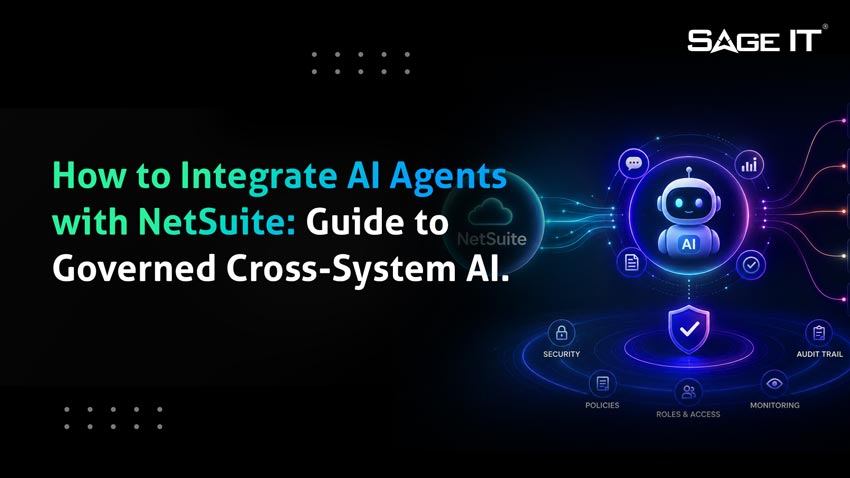
AI output should reach ERP, CRM, databases, and legacy systems through a controlled validation boundary. For NetSuite-centered environments, the same principle applies when you integrate AI agents with NetSuite and extend their actions across CRM, commerce, payments, approvals, and other connected systems.
This is why schema validation alone only solves part of the problem. The workflow also needs business-rule checks, authorization, and a defined response when the downstream system fails.
A retry, for example, can create a duplicate order if the first transaction succeeded before the response timed out. Multi-step workflows also need a recovery path when the first API succeeds and the second fails.
A hallucinated sentence is inconvenient. A hallucinated transaction is an incident.
Set Autonomy According to Business Consequence
Treat autonomy as a progression:
Read → Recommend → Draft → Approve → Execute
A low-risk case-routing decision may move directly to execution. A payment, pricing change, account closure, or other higher-impact action may keep human approval in the path.
The practical goal is controlled workflow autonomy: let AI move routine work forward through event-driven actions while preserving human override, fallback, recovery, and accountability wherever the consequence demands them.
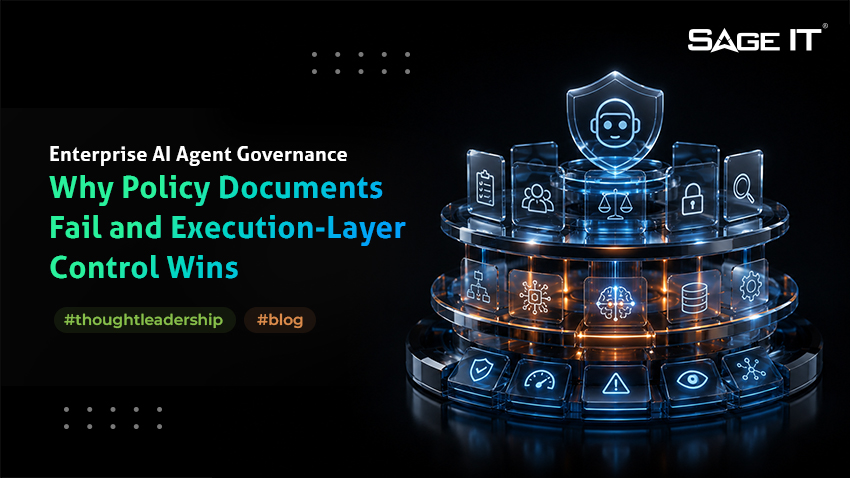
Control What AI Can See, Decide, and Do
Start With Identity Before Autonomy
As AI integration gains more authority, identity has to travel with every request, retrieval, and action.
Three questions matter in production:
If restricted data reaches the model before your permission check runs, the permission check arrives too late.
Carry Existing Access Controls Into the AI Workflow
Traditional RBAC at the application or database layer covers only part of the path. The AI workflow also needs identity propagation, least-privilege retrieval, and permission-aware context filtering so the model sees only what the current user or service identity is allowed to access.
Prompt-injection controls should protect that retrieval path, while tool and API permissions define what the AI can do after reasoning.
A useful project-floor test is simple: Can the agent access or change anything that the person who triggered it could not?
Keep Human Control and a Complete Audit Trail
Higher-impact actions should retain human-in-the-loop approval and override. Every execution should also preserve data lineage and an audit trail showing who initiated the action, what context was used, which tool was called, what changed, and who approved it.
That gives compliance teams the traceability they need while allowing the business to increase workflow autonomy with clear accountability.
Test the Workflow, Not Just Whether the Model Responded
Shift From Exact Outputs to Acceptable Behavior
Testing changes once AI integration in custom business software becomes part of a production workflow.
Traditional integration testing usually follows:
Known input → exact expected output
AI workflows require a wider evaluation:
Known scenario → acceptable behavior within defined quality, security, performance, and cost boundaries
A successful API response only confirms that the model answered. Workflow trust depends on whether the AI retrieved the right context, grounded its response in that context, produced the required schema, selected the right tool, and stayed within its authority.
Test the Complete Decision Path
For a production workflow, evaluate:
Treat AI Behavior as Part of Release Management
A practical difference appears after go-live: AI behavior can change while your application code stays exactly the same. A model update, prompt revision, retrieval change, tool description, or source-data change can alter the outcome of the workflow.
Regression testing therefore needs to evaluate these changes against representative business scenarios before release and continue monitoring quality drift, retrieval performance, latency, failures, and cost in production.
That gives your team an early signal when the workflow starts moving outside the boundaries that originally made it safe and valuable.
Make AI Integration in Custom Business Software Repeatable Enough to Scale
Test the Economics at Production Volume
The final test for AI integration in custom business software is whether the workflow still delivers value when it moves from 30 pilot users to thousands of production decisions.
Before scaling, answer five questions:
Then test the economics around the complete workflow: cost per completed task, token and API usage, infrastructure capacity, human-review effort, exception rate, straight-through completion, and time removed from the process. Model routing and semantic caching can help control cost where usage patterns justify them.
Build for Change as Well as Scale
A production architecture also needs room to change models or providers without rebuilding core application logic. That flexibility matters when pricing, performance, privacy requirements, or business needs shift.
From a project-floor perspective, ROI becomes much clearer when teams measure the cost and outcome of the completed workflow, rather than model usage in isolation.
How Sage IT Helps Move the Workflow Into Production
Sage IT approaches AI integration around the full execution path: connecting models with existing applications and data, establishing reusable orchestration, validating outputs before they reach business logic, carrying identity and governance into AI actions, and instrumenting workflows for reliability, cost, and business performance.
The result is custom software that moves beyond recording what happened and starts helping your business decide faster, execute more work automatically, and scale those capabilities across workflows with the controls production systems require.
FAQs